n8n for AI-Agent Workflows: Orchestrating Agents, Tools, and RAG Visually
A single clever prompt is easy; a reliable agent that calls tools, answers from your data, and survives production is not. How n8n's visual canvas became a practical way to orchestrate AI agents, tool calls, and RAG.
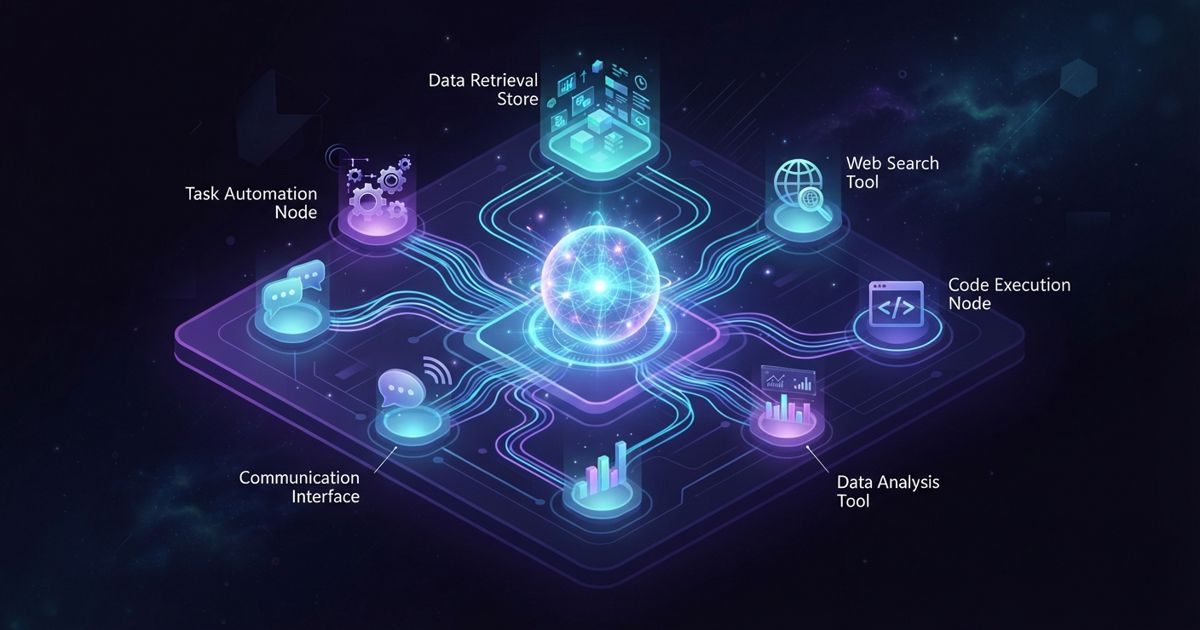
Table of contents
Building an AI agent is easy to demo and hard to ship. A single prompt in a notebook feels like magic; a reliable agent that calls real tools, pulls from your own data, hands off between steps, and does not fall over in production is a different kind of work. That gap — between a clever prompt and a dependable workflow — is where a visual automation tool like n8n has quietly become one of the more practical ways to orchestrate AI agents.
n8n is an open-source, fair-code workflow-automation tool with a node-based visual editor. You can self-host it with Docker or use the managed n8n Cloud. What makes it interesting for agent builders is that it treats LLMs, tools, and data sources as first-class building blocks on the same canvas — so the "glue" between your model and everything it needs to touch becomes something you can see, wire, and debug.
Agents are mostly orchestration
Strip an AI agent down and most of it is not the model. It is the orchestration around the model: deciding when to call which tool, passing data between steps, retrying failures, branching on results, and knowing when to stop or escalate. This is the same realization behind the industry's move from chat windows to real systems, which we covered in AI agents are moving from chat windows to real workflows.
n8n is built for exactly this orchestration layer. Its AI Agent and LangChain-style nodes let you plug in essentially any LLM, give the agent a set of tools, and let it reason about which to use — all wired visually instead of buried in code. Around that agent you get the full automation toolkit: webhooks to trigger flows, schedules for recurring jobs, branching and error handling, and 400+ integrations plus a raw HTTP node for anything without a prebuilt connector.
If you want to try the node-based approach to agent orchestration without setting up a server first, the managed tier is the quickest way in: Try n8n.
Tool calls become visible nodes
The hardest part of debugging an agent is seeing what it actually did. When tool calls are lines of code, a misfire is a stack trace. In n8n, each tool the agent can invoke is a node on the canvas — a database query, an API call, a Slack message, a calculator, a search. You can watch which nodes fired, inspect the exact data that flowed through each one, and see where a run went wrong.
That visibility matters because giving an agent tools is also where risk enters. An agent that can call APIs and touch data is powerful and, if unconstrained, dangerous. The disciplines we outlined in how to evaluate an AI agent — testing, guardrails, observability — are far easier to apply when the tool calls are laid out visually rather than hidden in a prompt loop.
For agents that need standardized access to external tools, n8n also works alongside emerging standards like the Model Context Protocol. If that term is new, our explainer on what MCP is and why it's becoming the USB-C of AI tools is a good primer on where this is heading.
RAG without the plumbing
Most useful agents need to answer from your data, not just their training. That means retrieval-augmented generation: chunking documents, creating embeddings, storing them in a vector database, and retrieving the right context at query time. Done from scratch, that is a lot of plumbing.
n8n has nodes for the whole RAG pipeline — ingest documents, generate embeddings, connect to a vector store, and feed retrieved context into your model — assembled visually. You can trigger ingestion on a schedule or a webhook so your knowledge base stays fresh automatically. If you are still deciding whether retrieval is even the right approach for your use case, weigh it against the alternatives in RAG vs fine-tuning and our primer on what RAG is and why chatbots need it.
When one agent is not enough
Complex work rarely fits in a single agent. You often want a researcher agent, a writer agent, and a reviewer agent — each with its own tools and prompt — coordinating on a task. n8n's canvas is a natural fit for wiring these multi-step, multi-agent flows: each agent is a node group, and the connections between them are explicit rather than emergent. If you are designing systems like this, our piece on multi-agent systems covers when the extra coordination is worth it.
The honest trade-offs
n8n is not the answer to everything. A few caveats worth stating:
- It is a workflow engine, not a full agent framework. For highly dynamic, deeply recursive agent logic, code-first frameworks give you finer control. n8n shines when your agent is a bounded workflow with clear tools and steps.
- Self-hosting means you own the ops. Running it yourself gives you data control and no per-execution billing, but you handle updates, security, and uptime. n8n Cloud removes that burden if you would rather not manage servers.
- Visual can get busy. Very large flows sprawl. Good naming and sub-workflows keep them maintainable.
Where it fits
If you are orchestrating agents that call real tools and answer from real data, n8n gives you a visual, inspectable layer between your LLM and everything else — with the option to own the whole stack or let n8n Cloud run it for you. For a lot of teams that is the difference between an agent that demos and an agent that ships. The fastest way to see whether it fits your workflow is to build one: Try n8n free.